01
Browse the strongest nearby sales
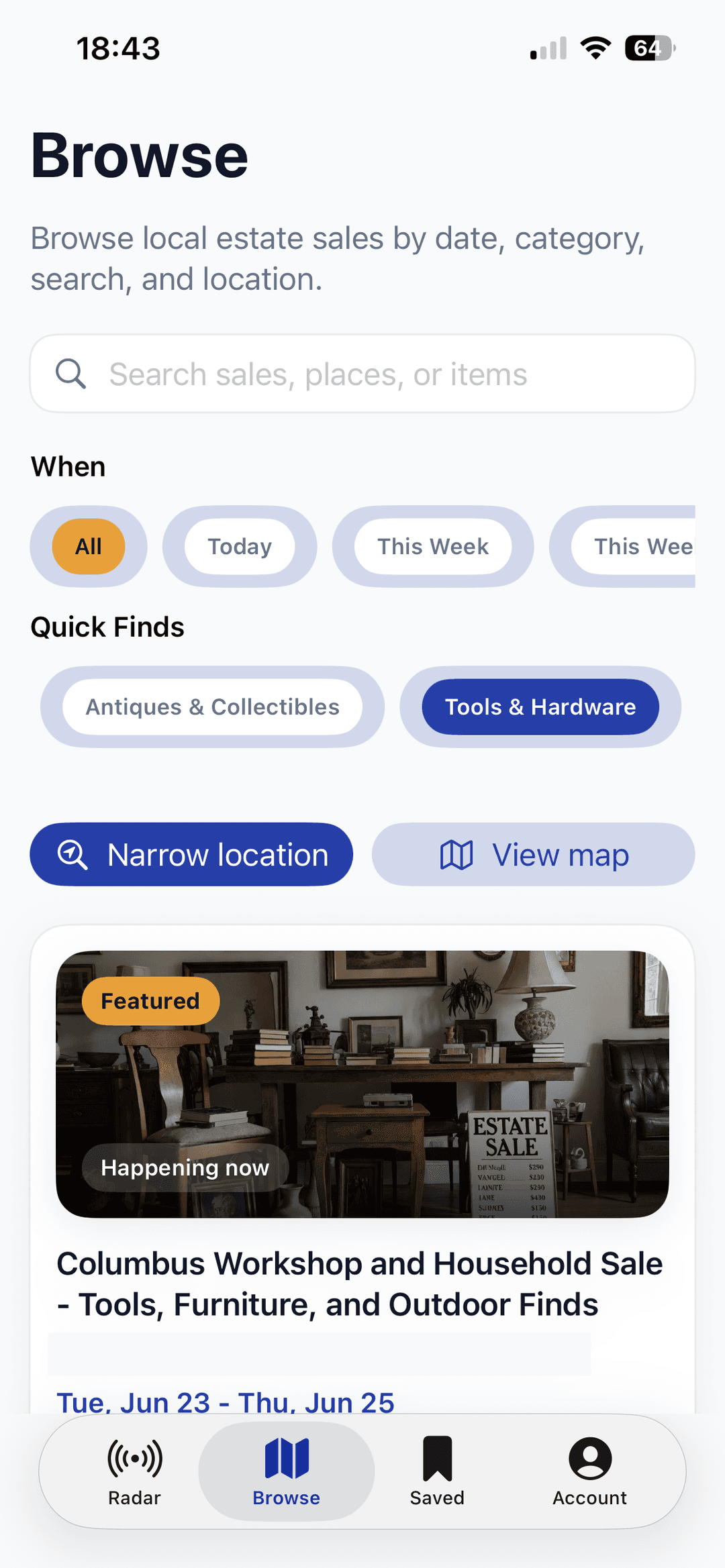
Scan sale cards, dates, distances, categories, and shopper signals without losing the weekend to guesswork.
Open Radar to see estate sales near you at a glance. Compare photos, schedules, categories, and visit details; save promising stops; follow liquidators; and get directions when you are ready to go.
Free to download. Browse public listings without an account, or sign in with Apple or Google for saved sales, follows, reminders, and Early Bird tools.

Built for the hunt
See it in action
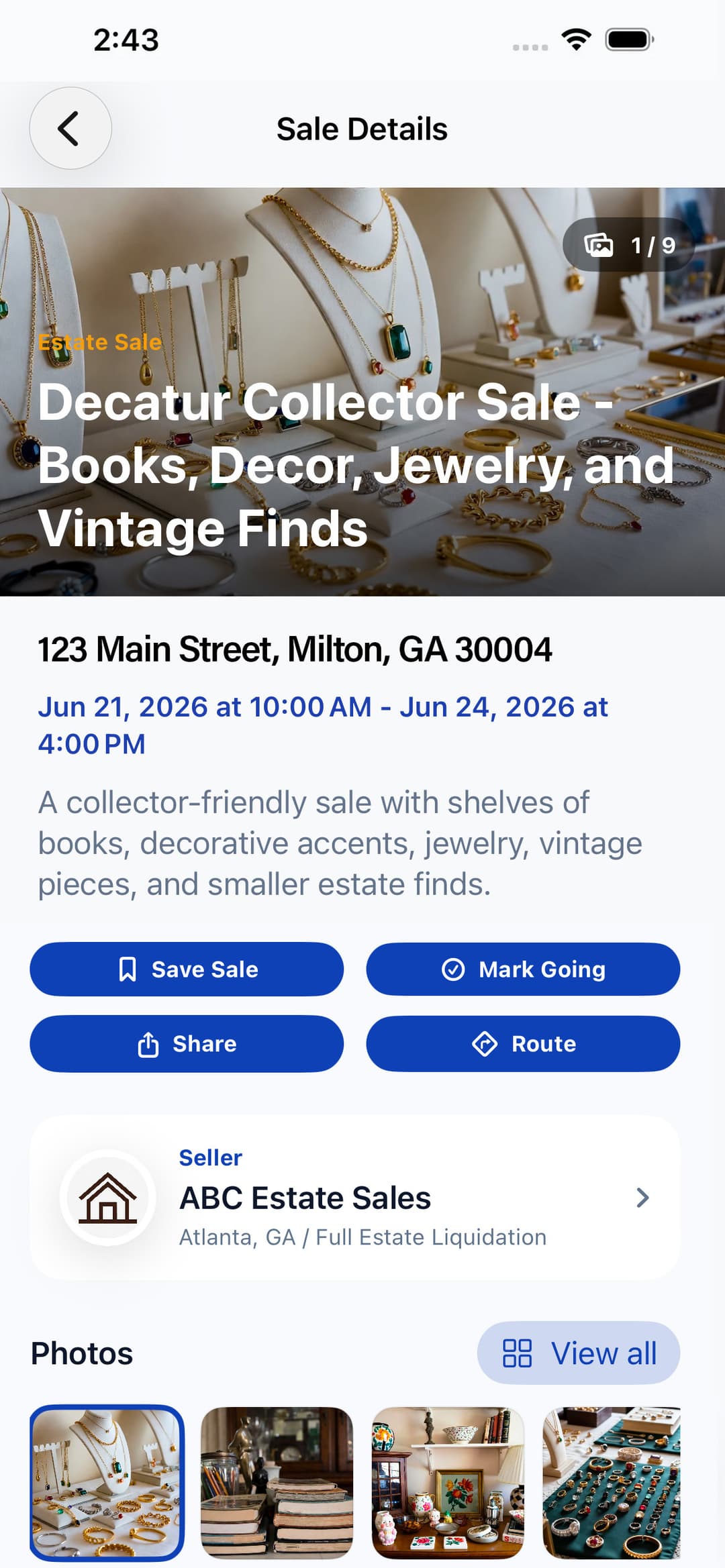
SaleRadar follows the real rhythm of estate sale shopping: scan what is nearby, inspect the details, build a short list, and keep the sales you care about close at hand.
Scan sale cards, dates, distances, categories, and shopper signals without losing the weekend to guesswork.
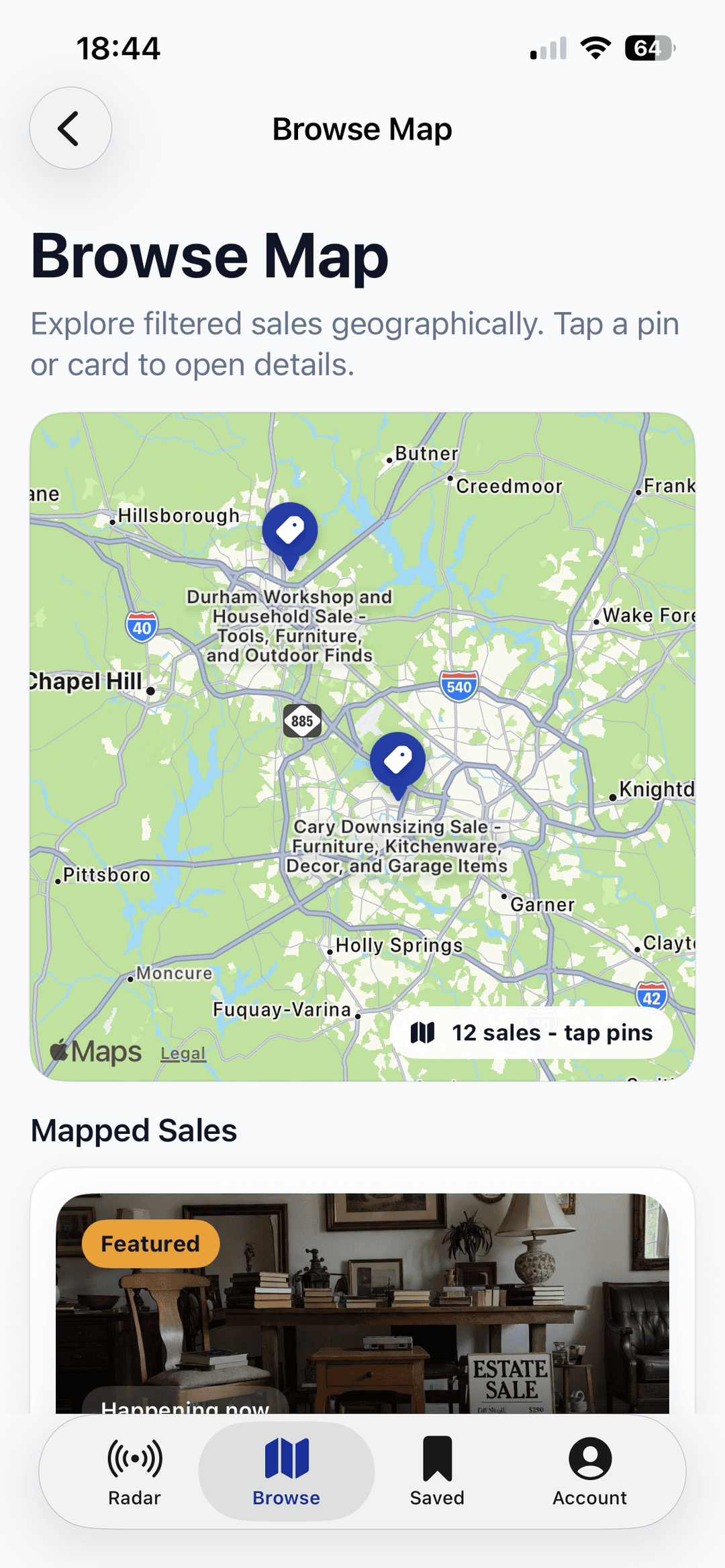
Use the map when location matters. See clusters, compare distance, and decide which stops fit your day.
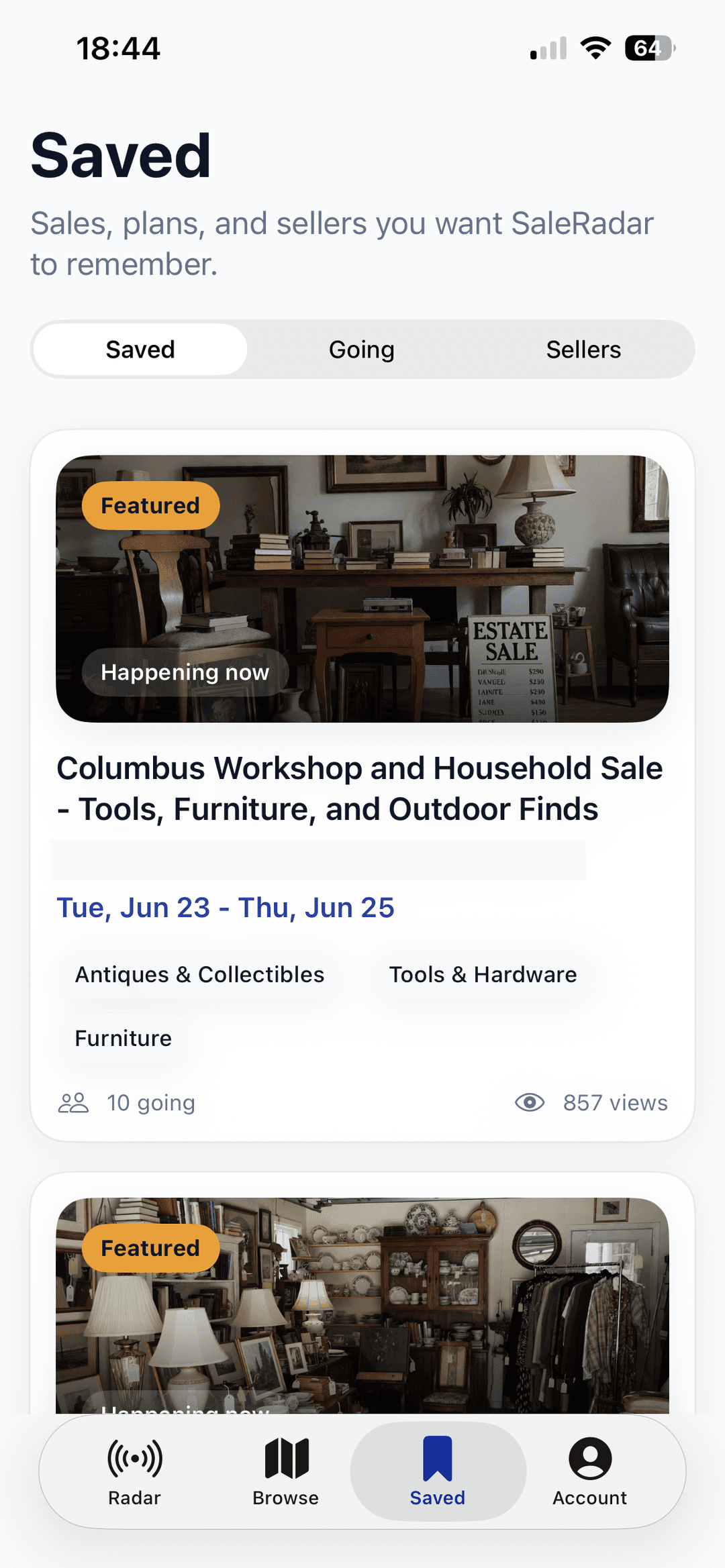
Keep a short list for later, mark sales you plan to attend, and get back to the details quickly.
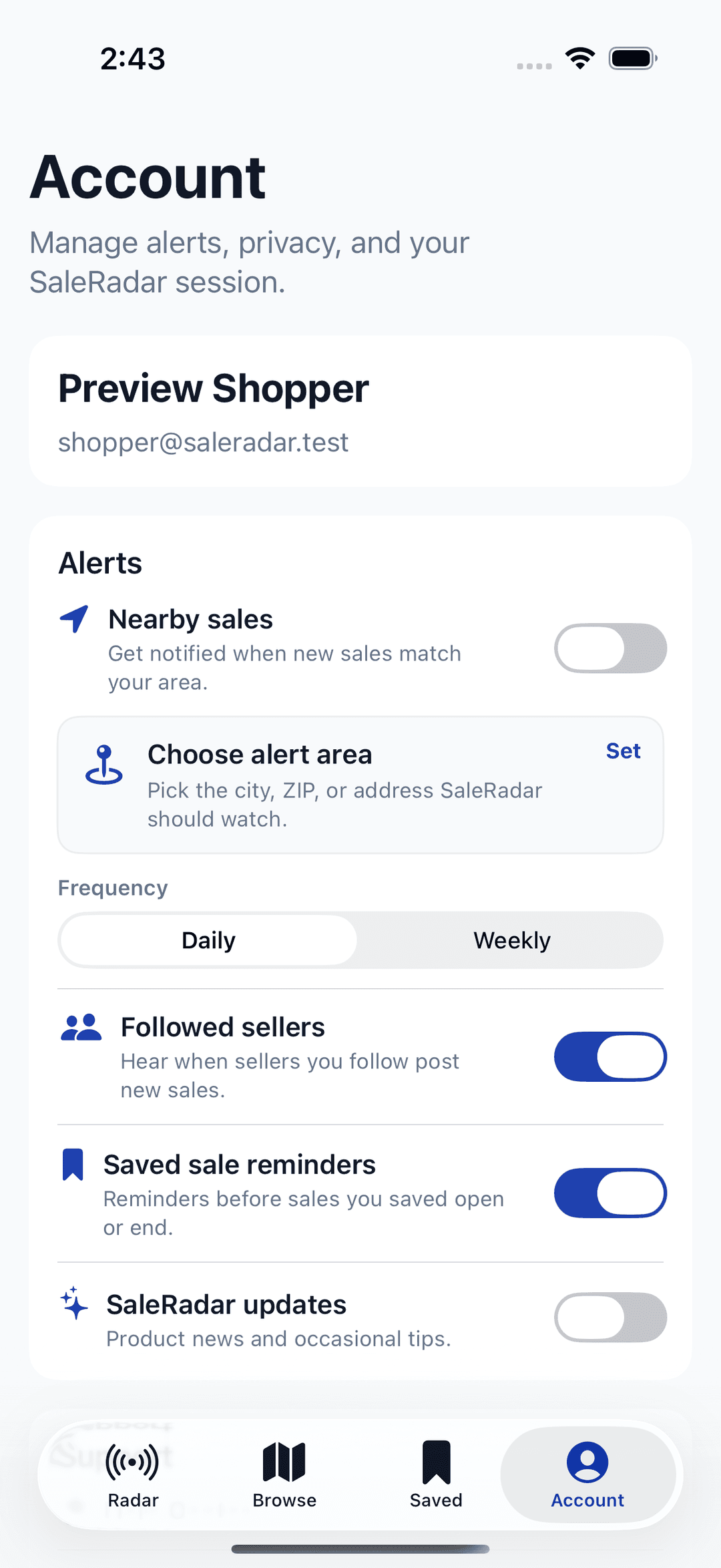
Choose optional reminders before sales you save open or end. Reminders are scheduled on this device and depend on notification permission.
For estate sale professionals
Running a sale? Open Toolkit to view your Early Bird roster, scan passes, or find a shopper by name, email, or Pass Code. No app installation is needed. Sign in with the Google or Apple account you already use for your authorized liquidator account. Listings and billing stay in your liquidator dashboard.
Account and privacy
Public listings are browsable on the web. In the iOS app, Google or Apple sign-in supports saved sales, going lists, followed liquidators, and Early Bird passes. Optional saved-sale reminders are scheduled locally on the device where you enable them.
Explore nearby estate sales in the shopper app, or start browsing on the web.
Need a hand? Visit Support
Apple, the Apple logo, iPhone, and iPad are trademarks of Apple Inc., registered in the U.S. and other countries and regions. App Store is a service mark of Apple Inc.